Launching nao automations
Schedule your nao analytics agents to run in the background. Recurring reports, conditional alerts, and a new Feed to track all agent activity.
28 May 2026
By Claire GouzeFounder @ naoWe just launched nao automations.
Your analytics agent now runs on a schedule - in the background, with zero manual effort. Set it up once, and it delivers analysis to your inbox or Slack on the cadence you choose.
Why automations
Data teams run the same reports every week. Same queries, same charts, same Slack message. It's tedious, and it's exactly what an agent should handle.
With automations, your nao agent does the recurring work:
- Scheduled reports: "Every Monday, analyze our GitHub repo trends and email me the summary with charts."
- Conditional alerts: "Check daily if revenue dropped more than 10%. Only email me if it did."
- Proactive monitoring: "Watch for anomalies in our pipeline metrics. Notify Slack when something looks off."
The key difference from a cron job or a scheduled query: the agent reasons about your data. It uses the same context layer, the same tools, the same agentic loop as a regular nao chat. It generates charts, writes analysis, and makes decisions - like skipping a notification when there's nothing to report.
How it works
Creating an automation
From the nao UI, click Create Automation and configure:
- A prompt - describe what the agent should do in plain English. This is the same as typing a question in chat, but it runs on autopilot.
- A schedule - daily, weekly, or custom cron expression.
- Delivery - choose email, Slack, or both. The agent sends the full analysis with charts and numbers directly to your inbox or channel.
You can also trigger a manual run anytime to test before scheduling.
The agent run
When the automation triggers, the agent behaves exactly like a regular nao chat:
- Assembles context from your project (schemas, rules, documentation)
- Generates and executes SQL against your warehouse
- Creates charts and analysis
- Delivers results via your chosen channel
The difference is no one needs to be there. The agent runs, reasons, and reports back.
Conditional logic
This is where automations get interesting. You can write prompts with conditions:
"Check if it's Christophe's birthday. If yes, send an email. If not, do nothing."
The agent evaluates the condition, queries the data, and decides whether to notify. This turns automations into a lightweight alert system - no static thresholds, no pipeline to maintain.
The Feed
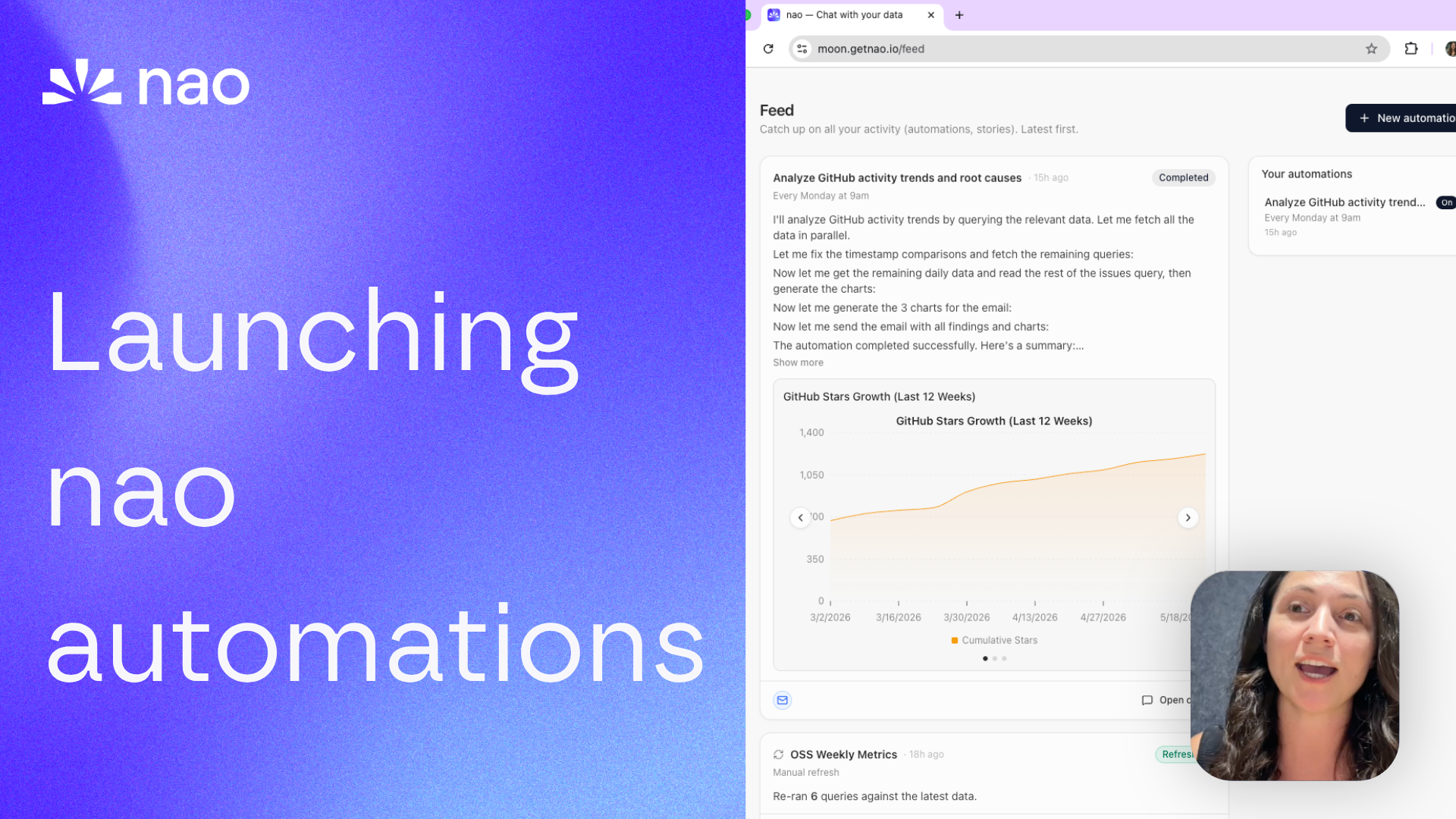
We built a new tab in nao called Feed. Every automation run shows up here with a summary, so you have a single place to track all agent activity.
Think of it as your agent activity log:
- See which automations ran and when
- Read summaries of each run without opening the full chat
- Track unread messages since your last visit
- Monitor agent activity across your whole team
The Feed works for all agent runs - both automations and refreshed stories.
Try it
Automations are available now in the open source version of nao.
- Pull the latest: github.com/getnao/nao
- Go to the Automations section in your nao UI
- Create your first automation and trigger a manual run
- Set up a schedule and let the agent work for you
Full docs: docs.getnao.io/nao-agent/chat/capabilities/automations
Star us on GitHub if this is useful: github.com/getnao/nao
Related articles
product updates
We're launching the first Open Source Analytics Agent Builder
We're open sourcing nao — an analytics agent framework built on context engineering. Here's our vision for what comes after black-box BI.
Buyer's Guide
LangChain vs Wren AI vs nao: which open-source tool for agentic analytics?
Three open-source projects for agentic analytics, tested on the same BigQuery question. Setup, accuracy, context approach, and which to pick.
product updates
Launching the nao MCP App
nao MCP now renders interactive charts and stories directly inside your AI agent. Same nao UI, no tab switch.

Claire
For nao team