Launching the nao MCP
nao now exposes itself as an MCP server. Run governed analytics from Claude, Cursor, Codex, or any MCP-compatible tool.
12 May 2026
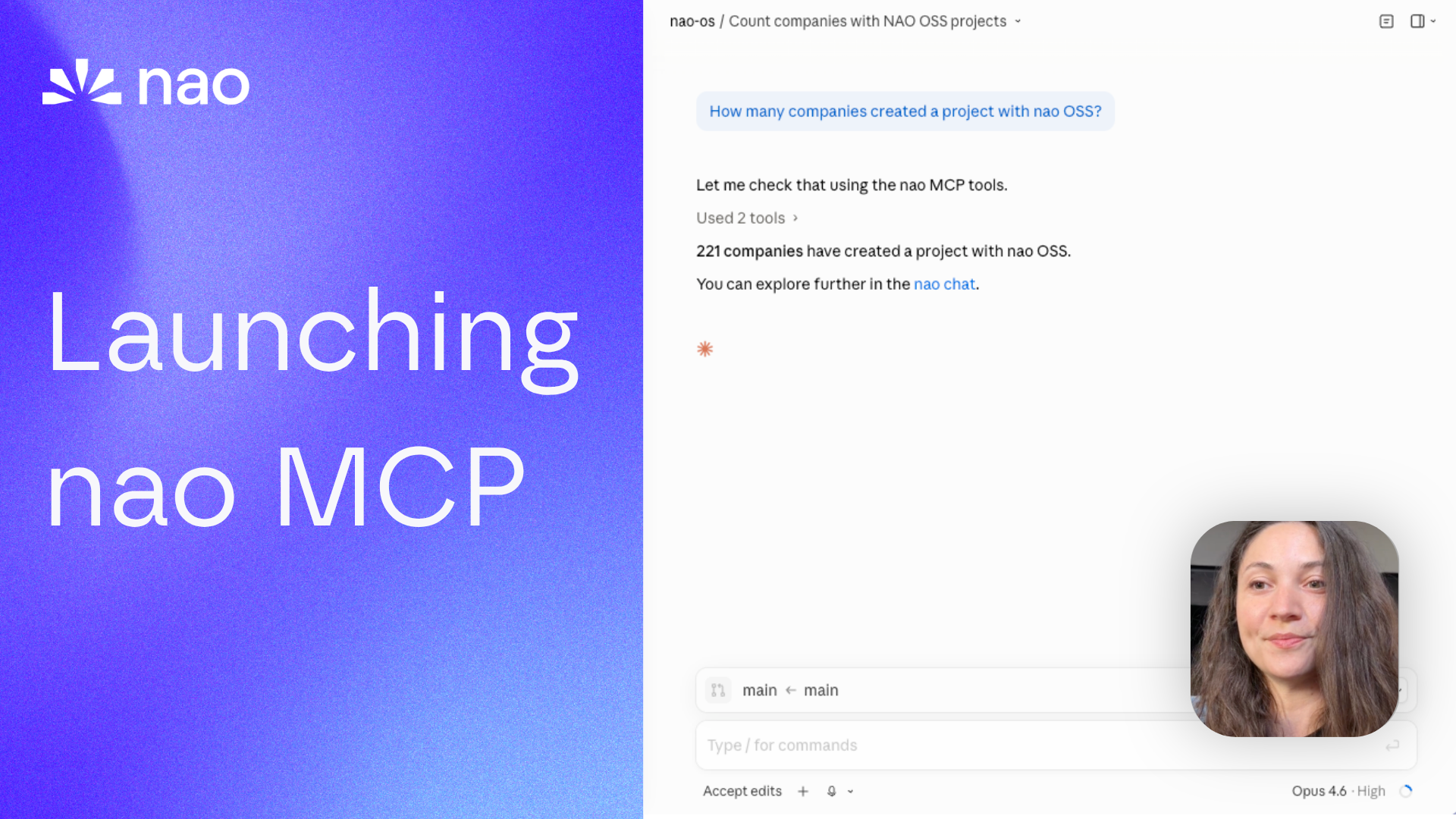
By Claire GouzeFounder @ naoWe just launched the nao MCP.
Run analysis from your favorite agents. Create and fetch nao stories from anywhere. Use the nao context layer with your own agent and LLM tokens.
This is the next step in making nao a headless analytics agent. We already support Slack, Teams, WhatsApp, and Telegram. Now we're adding the tools where people code, write, and think.
Why not just a warehouse MCP?
You could plug a warehouse MCP into Claude or Cursor and start querying data. So why nao MCP?
One word: governance.
When you connect a warehouse MCP directly, every agent writes its own SQL with no shared context, no business rules, no definitions. One agent says churn is 5%, another says 8%, and nobody knows which one is right.
With the nao MCP, every conversation sources from the same context layer - the one your data team curated. Same rules, same metric definitions, same data model documentation. Whether someone asks a question in Claude, Cursor, Codex, or Slack, the agent reasons with the same governed context.
And every conversation made through the MCP is stored in your nao app. You can review them, audit them, and use them to loop on context quality. That's how reliability improves over time - not by hoping the LLM gets better, but by systematically refining the context it reasons with.
What the nao MCP exposes
The MCP endpoint has three modes, each toggleable independently from nao settings.
Sub-agent mode
One tool: ask_nao.
Send a natural language analytics question to your nao agent. It runs the full agentic loop - context assembly, SQL generation, execution, visualization - and returns the answer with a link to the chat in nao.
You can continue a conversation by passing the chatId from a previous call - same as threading in Slack.
Context-layer mode
Three tools: execute_sql, grep, ls.
This mode gives your external agent direct access to nao's data infrastructure:
execute_sql- run SQL against your connected warehouse. Returns rows as JSON with aquery_idyou can use to embed charts in stories.grep- search across your nao project's context files (rules, schemas, metadata, docs).ls- list files and directories in the project context.
Use this when you want your agent to reason about the data itself - browse the context, write its own SQL, and build on the results. Your agent uses your LLM tokens, but nao's context layer keeps it grounded.
Story mode
Six tools: list_stories, get_story, create_story, update_story, archive_story, delete_story.
Full CRUD on nao Stories - markdown dashboards with embedded charts, tables, and narrative text.
The typical workflow:
- Run
execute_sqlto get data + aquery_id - Call
create_storywith markdown content that includes<chart>or<table>blocks referencing thatquery_id - The story renders in the nao UI with live charts
Supported chart types: bar, stacked bar, line, area, stacked area, pie, KPI card, scatter, radar.
This means you can build dashboards programmatically from any AI tool. A PM in Claude Desktop can ask for a story on feature adoption, and the agent creates it directly in nao.
How to connect
The nao MCP uses Streamable HTTP transport. Your nao instance exposes the endpoint at /mcp. Authentication is via bearer token, which you can generate from Settings > MCP Endpoint in the nao UI.
Cursor
Go to Settings > Tools & MCP > New MCP Server and paste:
Cursor will prompt you to authenticate in the browser.
Codex
Go to Settings > MCP servers > + Add server > Streamable HTTP. Paste the URL: <your-nao-url>/mcp. Authenticate in the browser when prompted.
Claude Code
Add to your project's .mcp.json (or .claude/mcp.json):
Claude Desktop
Two options:
Via Settings UI: Go to Settings > Connectors > Add custom connector. Set Remote MCP Server URL to <your-nao-url>/mcp.
Via config file (~/Library/Application Support/Claude/claude_desktop_config.json):
Try it
And it's all open source.
- Deploy nao (or update to the latest version): github.com/getnao/nao
- Go to Settings > MCP Endpoint and enable the endpoint
- Add the config to your preferred AI tool (see setup guides above)
- Ask your first question
Full docs: docs.getnao.io/nao-agent/connectors/mcp
Star us on GitHub if this is useful: github.com/getnao/nao
Related articles
product updates
We're launching the first Open Source Analytics Agent Builder
We're open sourcing nao — an analytics agent framework built on context engineering. Here's our vision for what comes after black-box BI.
product updates
Introducing the First Headless Analytics Agent
nao is becoming the first headless analytics agent - your company data brain, everywhere you work. No dashboard needed.
product updates
Launching nao Context Engineering skills
Five open-source skills that set up your nao project, write its rules, build its test suite, audit it, and add a semantic layer. Install with `nao skills add getnao/nao`.

Claire
For nao team