Set up nao in 5 minutes
A 5-minute walkthrough covering everything from installing nao-core to deploying your analytics agent to your team.
9 November 2026
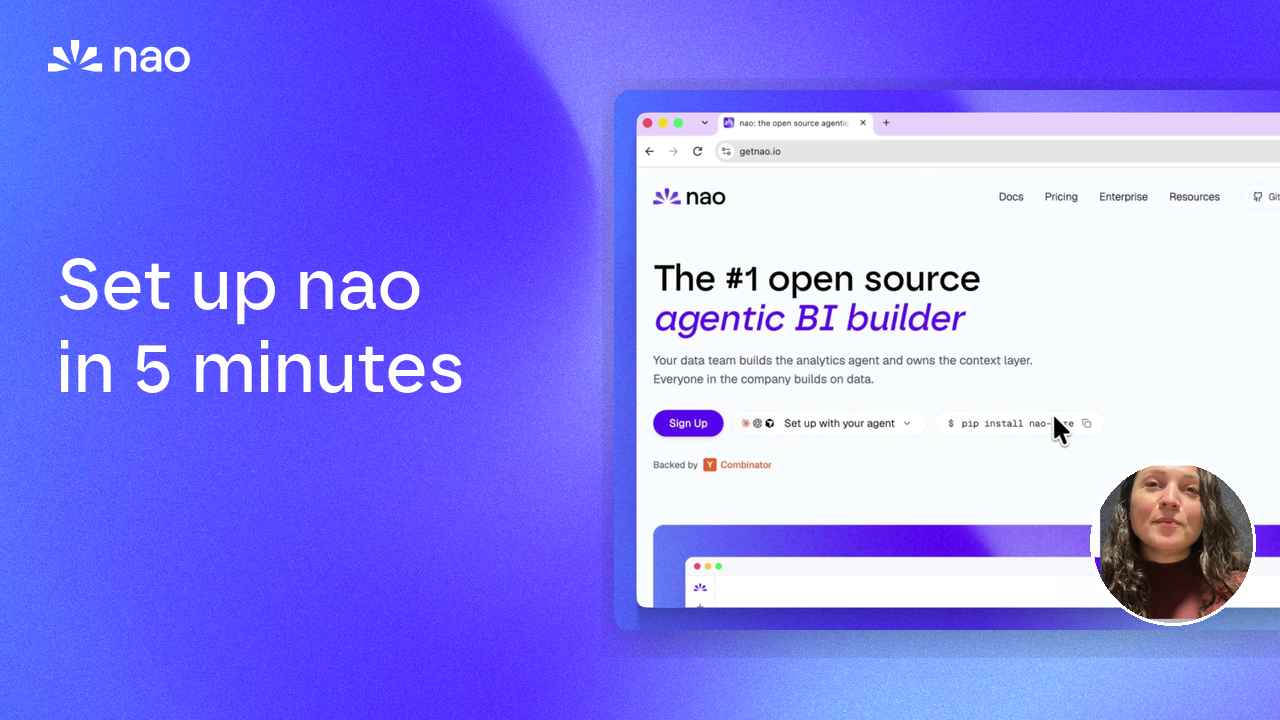
By Claire GouzeFounder @ naoWe just published a 5-minute data teams onboarding video. Whether you're setting up nao for the first time or evaluating it for your team, this is the fastest way to see the full setup flow - from pip install nao-core to a deployed agent your whole company can chat with.
What the video covers
Install and configure
There are two ways to get started. You can install nao locally with the CLI (pip install nao-core) and run the setup agent, or sign up directly on nao Cloud and connect your data from the browser. Both paths get you to a working agent in minutes.
Connect your data
The setup agent walks you through connecting your data warehouse, syncing your dbt repository, and pulling in business context from Notion or Confluence. At the end, you have a context layer - a file system describing your tables, your dbt documentation, and your business knowledge.
Chat, build stories, automate
Once your LLM is configured, you can start asking questions. nao goes through the context layer to understand which tables to query, writes the SQL, extracts data, and builds charts. From there you can create stories - shareable analytics reports that can be edited, versioned, and set to refresh on a schedule. Your users can also set up automations: define a trigger, a prompt, and a delivery channel.
Evaluate and improve
nao test lets you evaluate your agent's reliability against a set of questions representing your core KPIs. It outputs accuracy, cost per run, and latency. Then context recommendations closes the loop: an agent reviews your users' conversations, spots mistakes and bad feedback, and suggests changes to your context with the right definition.
Deploy to your team
You can self-host with our Docker image or Helm charts, or deploy to nao Cloud with a single command. From there, add users, create groups with scoped data access, and set up role-level security on the Enterprise plan. nao is accessible through Slack, Teams, WhatsApp, Discord, and MCP - your users can query data from wherever they work, and you keep full observability on every conversation.
Custom appearance
Import your company's colors, fonts, and logo so every story, dashboard, and slide deck your team creates matches your internal branding. You can input a website URL, upload an image, or provide a design system file - nao extracts the palette and applies it across all generated content.
Get started
Related articles
product updates
Launching nao agentic BI builder
Sign up on nao Cloud, connect your warehouse, add business context, and deploy your own agentic BI to the whole company from the nao UI. No CLI needed. Still open source.
Buyer's Guide
Open source alternative to Claude Dashboards
Claude Dashboards ties your BI to one agent harness. Here is the open source alternative: same dashboard, your context in Git, tested and observable.
insights
The Agentic Analytics Playbook is out
Learn how to choose your harness, build your context layer, plan your rollout, measure success, and get examples from 7 real-life companies.

Claire
For nao team