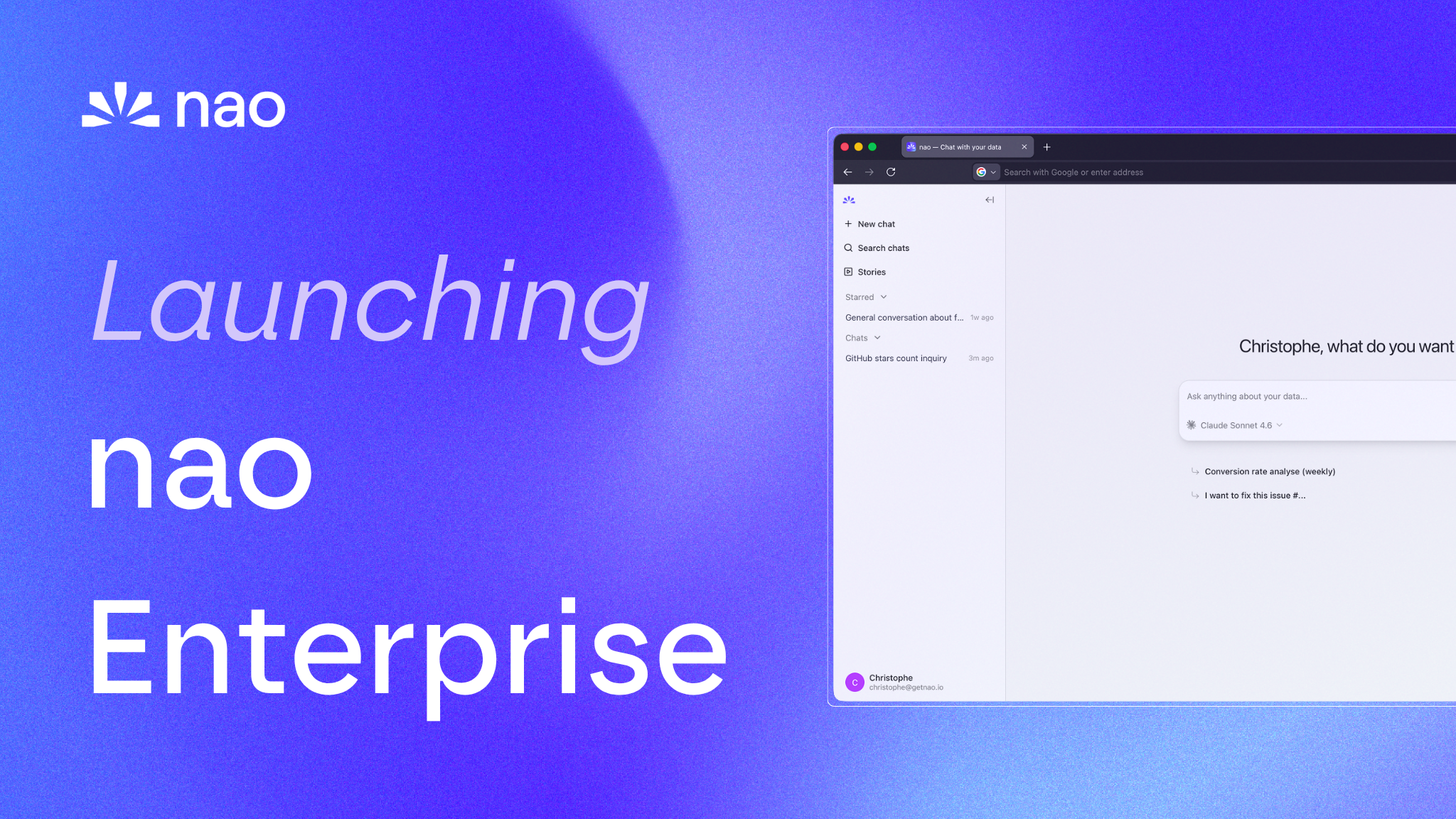
Launching nao Enterprise
nao Enterprise gives data teams SSO, row-level security, branded UI, and implementation support - while staying open source at the core.
20 May 2026
By Claire GouzeFounder @ naonao is open source. Apache 2.0. Self-host it, connect your warehouse, deploy the agent. That doesn't change.
But as more companies move nao into production, we keep hearing the same requests: SSO, row-level security, a branded interface, and someone to help get the context layer right from day one.
Today we're launching nao Enterprise - the production-grade layer for teams that need security, governance, and hands-on support on top of the open-source agent.
Why Enterprise
nao's open-source edition already powers 50+ companies in production. Data teams use nao-core to build their context layer, deploy the chat UI, and connect it to Slack, Teams, WhatsApp, or any MCP-compatible tool.
That works well for small data teams running a proof of concept. But when you're rolling out an analytics agent to 200 people across sales, finance, and ops, three things come up fast:
Security requirements. Your IT team needs SSO. Your compliance team needs row-level security so the sales director can't see finance data. Your CISO needs to know that data access is governed, not wide open.
Brand and trust. Business users adopt internal tools faster when they look like internal tools. A company-branded UI with your logo and colors signals that this is an official, vetted tool - not someone's side project.
Getting the context right. Context engineering is the single biggest driver of agent reliability. The difference between a 60% accurate agent and a 95% accurate one is the quality of the context layer. Most teams benefit from expert guidance on their first implementation.
What's in Enterprise
- Self-hosted or Cloud
- SSO (Microsoft, Okta)
- Row level security
- White label
- SOC 2 Type II reports
- Priority support & roadmap input
- Implementation services (optional)
Implementation services
Enterprise customers can optionally add a forward deployment engagement to get to production faster.
Context setup
- We connect your warehouse, repos, and business tools
- We build the initial context layer on a first scope of up to 30 tables
- We run agent evaluation with unit tests to measure accuracy
- We assess your data model quality for agent readiness
- You get a production-ready agent, deployed and tested
Ongoing roll-out support
- Weekly touchpoints on agent quality and adoption
- Support on the context feedback loop - iterating on rules, definitions, and documentation as your team uses the agent
- Guidance on expanding scope to new data domains
The goal is simple: you should be live in production within two weeks, not two quarters.
Open source vs Enterprise: what's different
nao uses a dual license model. The core product is Apache 2.0 - fully open source, free to use, modify, and self-host. Enterprise features are licensed under the nao Labs Commercial License.
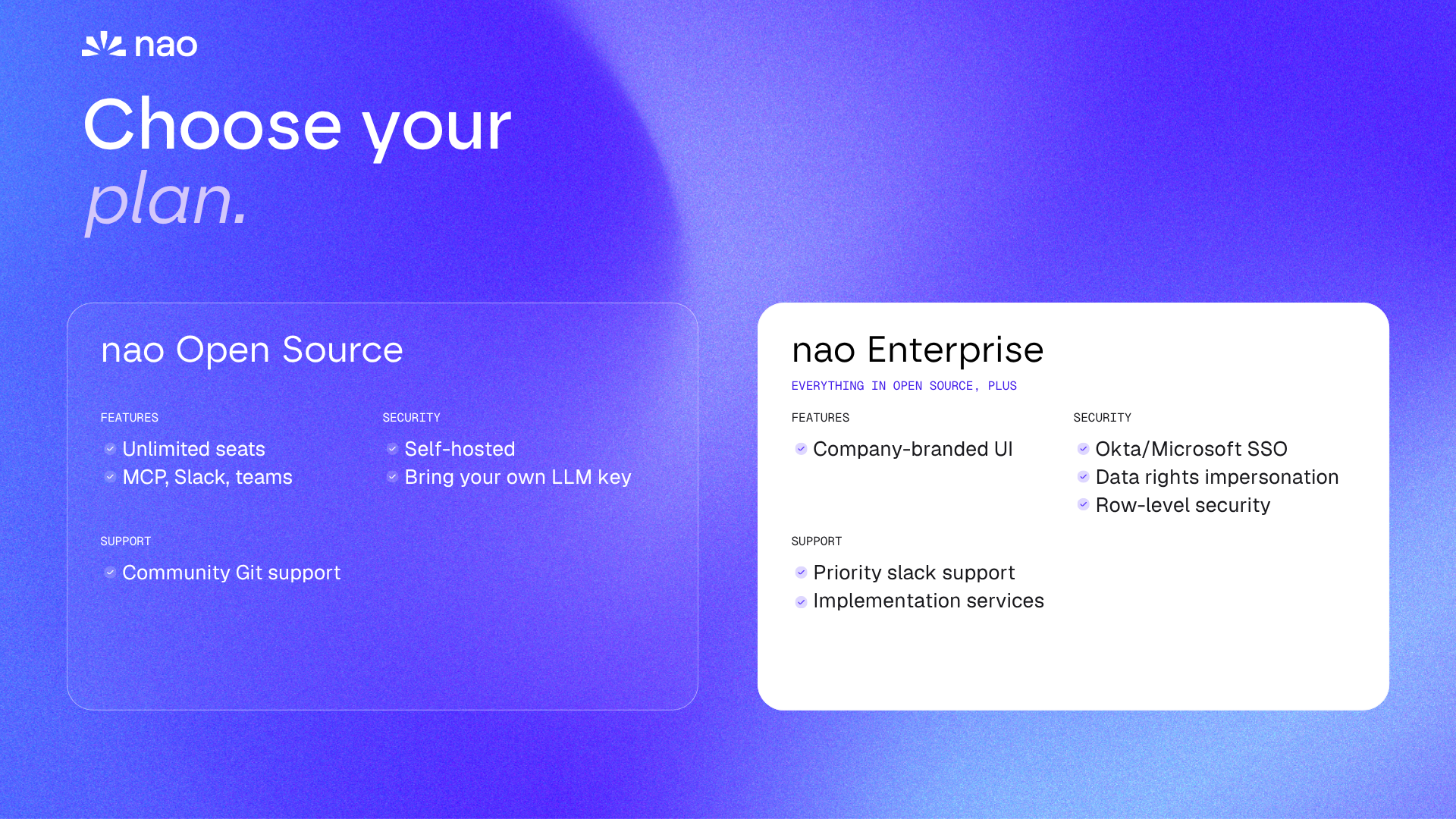
| Capability | Open Source | Enterprise |
|---|---|---|
| Open-source agent + chat UI, all LLM providers | Yes | Yes |
| Slack / Teams / WhatsApp / Telegram bots | Yes | Yes |
| Self-hosting on your infrastructure | Yes | Yes |
| Admin / Member / Viewer roles | Yes | Yes |
| Microsoft SSO (Azure AD / Entra ID) | - | Yes |
| Okta SSO | - | Coming soon |
| Per-user identity passthrough to Redshift (RLS) | - | Yes |
| White-label branding (logos, favicon, app name) | - | Yes |
| SOC 2 Type II reports | - | Yes |
| Priority support and roadmap input | - | Yes |
The open-source edition is not a demo or a trial. It's the full product. Thousands of agents have been created with it. Enterprise adds the security, branding, and support layer that larger organizations need to go company-wide.
You can read the full license in the GitHub repository. Files under the commercial license are marked with @license Enterprise in the source code. Everything else is Apache 2.0.
How to get started
If you're already using nao open source - you're most of the way there. Your context layer, your warehouse connections, your tests - everything carries over. Enterprise is an upgrade, not a migration.
If you're starting fresh - even better. Add implementation services and you'll have a production agent faster than building it yourself.
Here's the process:
- Reach out - Contact us to start the conversation
- Scoping call - we assess your data stack, identify the first use case, and define the scope
- Implementation - we build the context layer together, run tests, and deploy
- Go live - your team starts querying data in plain English
For technical details on Enterprise features, check the Enterprise documentation.
Contact us | GitHub | Docs
Related articles
product updates
We're launching the first Open Source Analytics Agent Builder
We're open sourcing nao — an analytics agent framework built on context engineering. Here's our vision for what comes after black-box BI.
product updates
Launching the nao MCP
nao now exposes itself as an MCP server. Run governed analytics from Claude, Cursor, Codex, or any MCP-compatible tool.
product updates
Introducing the First Headless Analytics Agent
nao is becoming the first headless analytics agent - your company data brain, everywhere you work. No dashboard needed.

Claire
For nao team