Launching nao Context Engineering skills
Five open-source skills that set up your nao project, write its rules, build its test suite, audit it, and add a semantic layer. Install with `nao skills add getnao/nao`.
29 April 2026
By Claire GouzeFounder @ naoTime to ship your analytics agents with... agents.
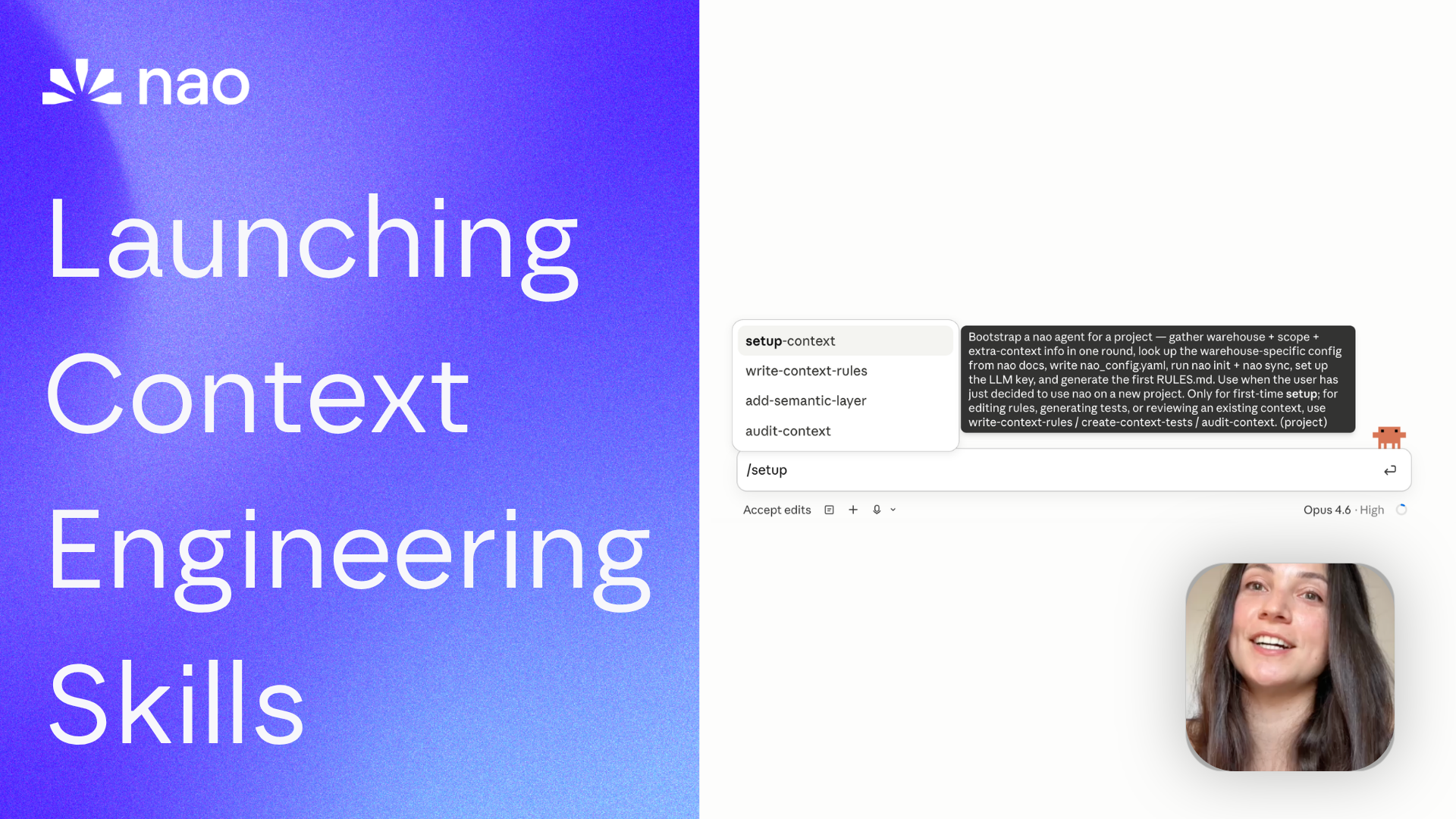
We just launched nao skills: a set of open-source skills to set up your nao project with the right context, rules, and evaluation. All from your favorite agent: Claude Code, Codex, Cursor.
Context engineering is what makes an analytics agent actually reliable, but it's still a new discipline. I packaged everything we learned into 5 skills:
- 🚀 Create your first nao project and context
- 🪄 Audit your context quality and suggest improvements
- 🗒️ Write structured rules for your agent
- 🧪 Write tests to evaluate the agent
- 🕸️ Add a semantic layer
All open source on github.com/getnao/nao.
The fundamentals these skills are built on
If you want the research behind every choice in these skills, start here:
- How to do context engineering for analytics agents: the foundational how-to.
- What context has the most impact on analytics agent performance?: what to prioritize when you write
RULES.md. - 4 steps to improve your analytics agent reliability from 45% to 86%: the test-driven iteration loop the skills automate.
- What is the impact of a semantic layer on analytics agent performance?: why
add-semantic-layeris reactive, not proactive.
Watch demo
Or watch on YouTube.
Install
Full usage docs: docs.getnao.io/nao-agent/context-engineering/skills. The published source of truth lives at github.com/getnao/nao/tree/main/skills. Install all five into the current project's .claude/skills/ with:
nao skills is a thin wrapper around the open-source skills CLI from Vercel Labs, so the equivalent direct call also works:
Run from the root of the project where nao_config.yaml lives. Re-run any time to pick up updates; pass through --force to overwrite local edits.
The 5 skills
All five live under skills/ in the nao repo: read them, fork them, send PRs.
setup-context
When to use: First-time setup. Takes you from pip install nao-core to a synced project with a starter RULES.md and the LLM key wired up.
Steps:
- Ask once for: warehouse + auth, scope strategy, extra repos (dbt / ETL / BI), LLM provider.
- Look up the warehouse-specific config from the nao docs.
- Write
nao_config.yaml, runnao init, print a summary, get user confirmation. - Run
nao sync. - Hand off to
write-context-rulesfor the firstRULES.md. - Wire up the LLM key (env-var ref preferred; never paste in chat).
Principles:
- ≤100 tables in scope; 20 is the target. (why)
- One batch of questions, no ping-pong.
- SSH git URLs only for repos.
- Run
nao initnon-interactively with the yaml pre-written.
Templates: none. Hands off to write-context-rules, which owns RULES.md.
write-context-rules
When to use: Generating the initial RULES.md from synced files, or improving an existing one. This skill owns the RULES.md template.
RULES.md is loaded with every message to your nao agent: keep it lean. It's an orchestrator (point the agent to the right context fast) plus broad answer rules. Per-table detail and full metric semantics belong in referenced files: databases/<table>.md, semantics/<metric>.yaml. See the RULES.md docs. The six sections below come straight from What context has the most impact on analytics agent performance? and How to do context engineering for analytics agents.
Steps, generated section by section so you see progress:
## Business overview## Data architecture## Core data models(Most Used Tables + Tables detail)## Key Metrics Reference(grouped by category)## Date filtering(3 example formulas)## Analysis Process
Then validate metrics with the user, and write date-filtering rules together.
Principles:
- Section by section, not all-at-once.
- Don't bloat
RULES.md. Per-table detail indatabases/, not inline. - Three date-filtering examples max: last X weeks, last X days, current month. The agent extrapolates.
- Two questions decide most date logic: does a week start Sunday or Monday, and does "last 8 weeks" include the current incomplete week.
Templates: templates/RULES.md, the six-section scaffold this skill writes.
create-context-tests
When to use: Establishing or extending the reliability benchmark. Tests are the only honest answer to "is the context working?"
nao test runs each natural-language prompt through the agent, executes both the agent's SQL and the test's expected SQL against the warehouse, and diffs the result data row by row. A test passes only if the actual data matches. The iteration loop this skill encodes is the same one that took us from 45% to 86% reliability.
Steps:
- Ask once: does the user have trusted source-of-truth queries (Looker, dashboards, prior benchmarks)? Transform those into tests; draft new ones for metrics without coverage.
- Save flat under
tests/. - User validates each test.
- Run
nao test -m <model> -t 10(requiresnao chat &in the background; first run prompts for login). - Recap pass rate, token cost, time.
- Diagnose failures from
tests/outputs/.
Principles:
- One test per key metric is the floor; coverage tests come after.
- Rule 1: prompts read like real chat. No leaked table names.
- Rule 2: output column names encode format / unit, not source.
churn_rate_float_0_1, notchurn_rate_from_fct_subscriptions.
Templates: templates/test.yaml, the single-test format.
audit-context
When to use: Any stage. Right after setup-context, mid-build, before a release, or whenever the agent gets surprising.
Steps: six checks, in order:
- Synced context : what's in
nao_config.yaml, what's missing, has sync run. RULES.mdvs target structure : present / missing / thin per section.- Per-table coverage : every table in
databases/documented somewhere. - MECE : mutually exclusive, no duplicated metrics or columns.
- Test coverage : failure root-cause analysis from
tests/outputs/. - Token optimization : file sizes,
RULES.mdbloat, unused tables.
Output is a short in-conversation report ending with a prioritized plan, easiest-win to biggest-work. No files written.
Principles:
- Diagnose only, never fix. Routes fixes to
write-context-rules,add-semantic-layer, orcreate-context-tests. - Apply one change at a time; re-run tests between fixes.
- Tests are the source of truth for "is the context working".
Templates: none.
add-semantic-layer
When to use: After a first round of nao test shows the agent struggling with metric reliability. Not before.
A semantic layer increases reliability and stability (one definition per metric) but reduces the scope of answerable questions. We measured the trade-off in What is the impact of a semantic layer on analytics agent performance?. If your test failures are concentrated on schema gaps or date logic, fix RULES.md first.
Steps:
- Pick the tool: dbt MetricFlow (dbt Cloud with Semantic Layer) / Snowflake views / nao YAML semantic files / Other.
- Install the matching MCP (full JSON configs in the skill body).
- Hand off to
write-context-rulesto route metrics through the layer. - Re-run
nao testand compare to the pre-semantic-layer baseline.
Principles:
- Only after tests show metric failures. Cite them.
- One semantic layer at a time. Two competing layers create unpredictable answers.
- Credentials via
${ENV_VAR}refs in.claude/mcp.json, never literals.
Templates: templates/semantic.yaml, one file holding all dimensions and metrics for the in-house option.
Related articles
product updates
We're launching the first Open Source Analytics Agent Builder
We're open sourcing nao — an analytics agent framework built on context engineering. Here's our vision for what comes after black-box BI.
product updates
Launching nao automations
Schedule your nao analytics agents to run in the background. Recurring reports, conditional alerts, and a new Feed to track all agent activity.
Buyer's Guide
LangChain vs Wren AI vs nao: which open-source tool for agentic analytics?
Three open-source projects for agentic analytics, tested on the same BigQuery question. Setup, accuracy, context approach, and which to pick.

Claire
For nao team