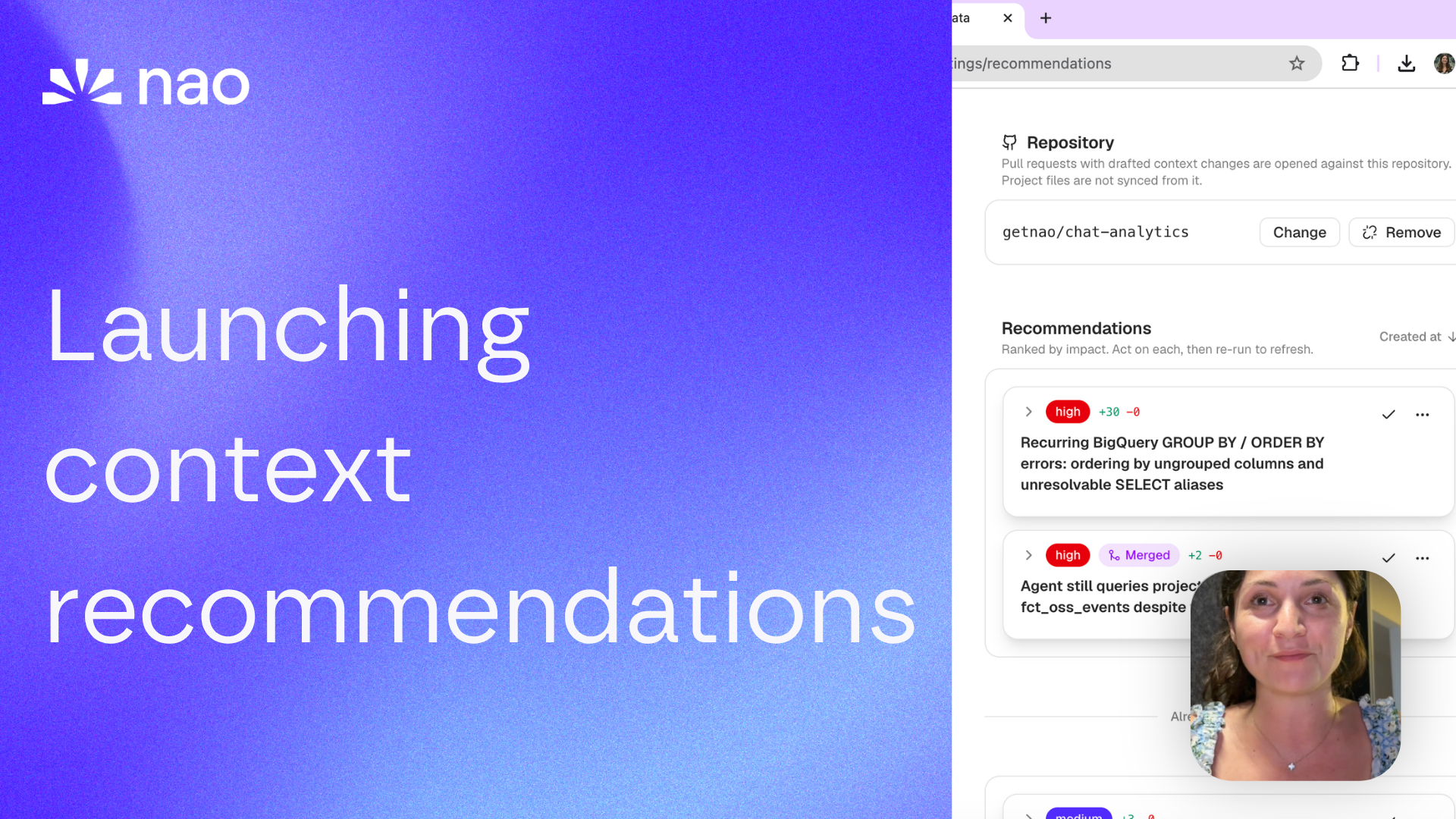
Launching nao context recommendations
nao now audits its own usage and tells you exactly where your context is missing, wrong, or unclear - then opens the fix as a pull request in your context repo.
22 June 2026
By Claire GouzeFounder @ naoWe just launched nao context recommendations.
Your analytics agent now reviews how it's being used - the questions people ask, the answers they downvote, the queries that fail - and tells you exactly where your context is missing, wrong, or unclear. Each recommendation points at the file to change, and you can open the fix as a pull request in one click.
Why context recommendations
Context engineering is a feedback loop: ship context, watch how the agent performs on real questions, fix what breaks, repeat. The hard part has always been the middle step. Once your agent is live, the signal about what's wrong is buried in hundreds of conversations, scattered downvotes, and failed queries no one goes back to read.
nao test already covers the offline half of the loop: a benchmark you write, run in CI, to catch regressions before you ship. Context recommendations covers the online half - the gaps you didn't think to test, mined from what users actually do once the agent is in production.
| Offline evals | Online evals | |
|---|---|---|
| Tool | nao test | Recommendations |
| When | Before you ship, in CI | Continuously, on production usage |
| Signal | A fixed suite of questions you wrote | What real users asked, and where the agent struggled |
| Answers | "Did I regress against my benchmark?" | "Where is my context missing, wrong, or unclear?" |
Together they close the loop between shipping context and improving it.
How it works
On a schedule you choose - daily, weekly, or monthly - or on demand with Run now, nao runs an analysis agent that audits your project context against real usage. It reads your usage data through a read-only, project-scoped sandbox (auth and PII columns are excluded, and it can only see the current project), then produces a ranked list of context improvements.
What it scans
The agent mines nao's own usage to find friction, then reads your context files to locate where each fix belongs.
- Tool errors - queries or tools that fail repeatedly, usually a sign a definition is missing or ambiguous.
- Negative feedback - messages users downvoted, surfaced instead of sitting unread in the feedback log.
- Regenerations and corrections - answers users had to redo or fix by hand.
- Coverage gaps - questions the agent couldn't answer, or recurring patterns it handles inconsistently.
It then audits the files where the fix belongs: RULES.md, semantics/, databases/, docs/, and your synced repositories.
What you get back
Review recommendations as an admin under Settings → Recommendations:
- Impact-ordered cards - the highest-friction issues first.
- A concrete target - each recommendation names the exact file to edit and what's missing, wrong, or unclear.
- Provenance - the chat the friction came from, and the model that produced the recommendation.
- Lifecycle actions - acknowledge, snooze, or dismiss each one as you work through them.
Turn a recommendation into a pull request
This is the part that makes it stick. When you connect a GitHub repository, nao writes the edit to the right context file and opens a pull request directly from a recommendation. You review and merge it like any other change, and your context stays under version control.
- Connect GitHub to your nao account (the same OAuth app as GitHub SSO).
- Choose the target repository on the Recommendations settings page - nao suggests the repos already in your
nao_config.yaml. - Open the PR. nao proposes the concrete edit, you review and merge.
Once a recommendation is applied, mark it done and it drops off the queue. Don't want one? Snooze or dismiss it.
If you'd rather skip the manual step, turn on YOLO mode and nao opens these PRs automatically after each run, for you to review and merge.
What you can configure
From the Recommendations settings page, you control the analysis model, the run frequency, custom prompt instructions (for example: "spot recurring analysis patterns and propose new skills to structure them"), the GitHub repository for PRs, and YOLO mode.
Try it
Context recommendations is available now in the open source version of nao.
- Pull the latest: github.com/getnao/nao
- Enable the audit by setting
BETA_CONTEXT_RECOMMENDATIONS_ENABLED=true - Open Settings → Recommendations, pick a model and frequency, and hit Run now
- Review the first batch and open your first PR
Full docs: docs.getnao.io/nao-agent/context-engineering/recommendations
Star us on GitHub if this is useful: github.com/getnao/nao
Related articles
insights
The Agentic Analytics Playbook is out
Learn how to choose your harness, build your context layer, plan your rollout, measure success, and get examples from 7 real-life companies.
product updates
We're launching the first Open Source Analytics Agent Builder
We're open sourcing nao — an analytics agent framework built on context engineering. Here's our vision for what comes after black-box BI.
product updates
nao has a new look
We rebuilt the nao interface from the ground up. New home screen, a prompt queue, visible agent reasoning, redesigned charts and stories.

Claire
For nao team