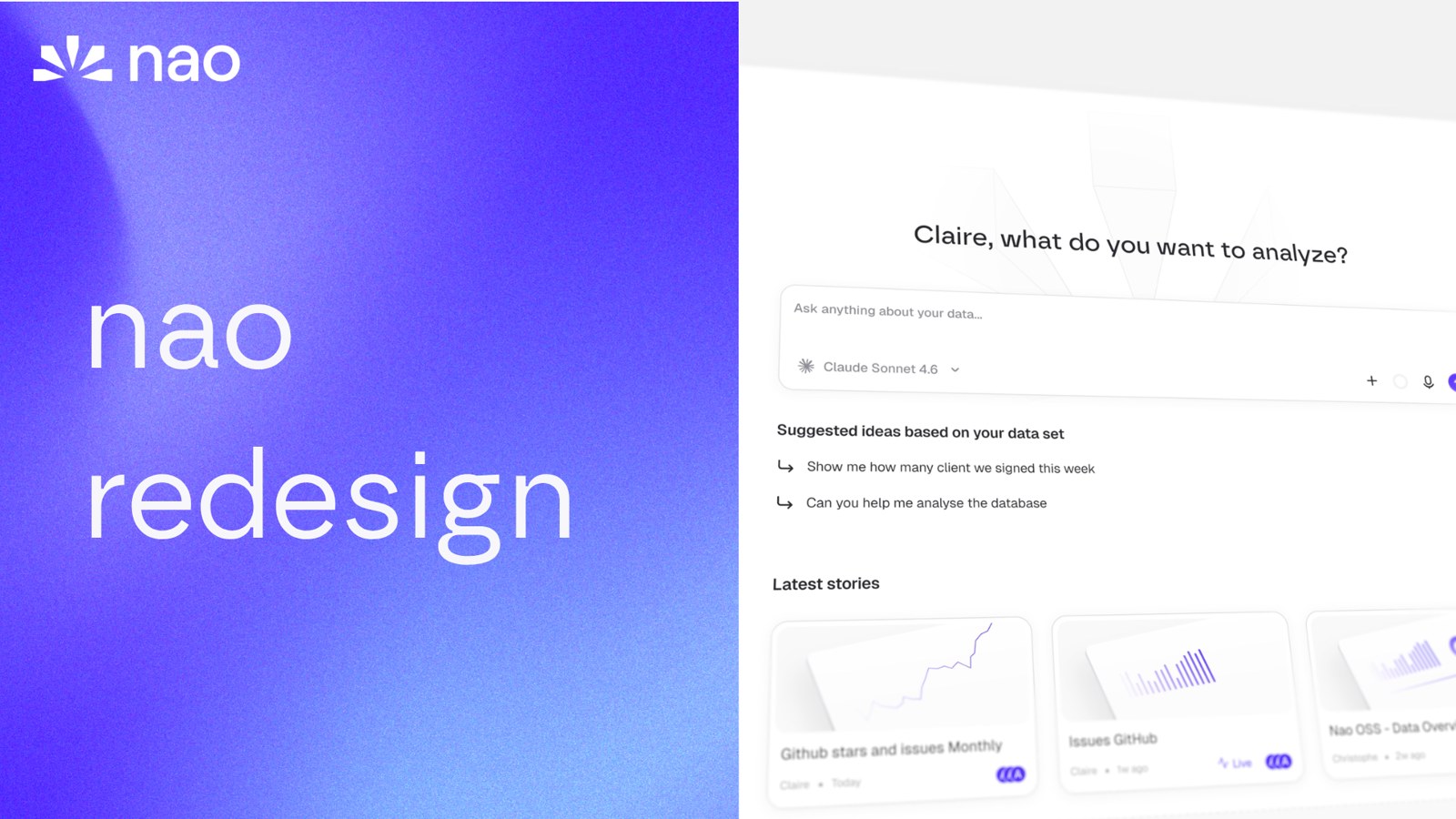
nao has a new look
We rebuilt the nao interface from the ground up. New home screen, a prompt queue, visible agent reasoning, redesigned charts and stories.
03 July 2026
By Claire GouzeFounder @ naonao has a new look.
We rebuilt the whole interface. Same product, same governed context underneath, but every screen a business user touches has been redesigned for clarity.
Two people use nao. A business user asks a question in plain English. A data team owns the context that makes the answer reliable. The old UI served neither well enough. This redesign is for both.
A home screen that starts from your data
Open nao and it greets you by name, then asks one thing: what do you want to analyze?
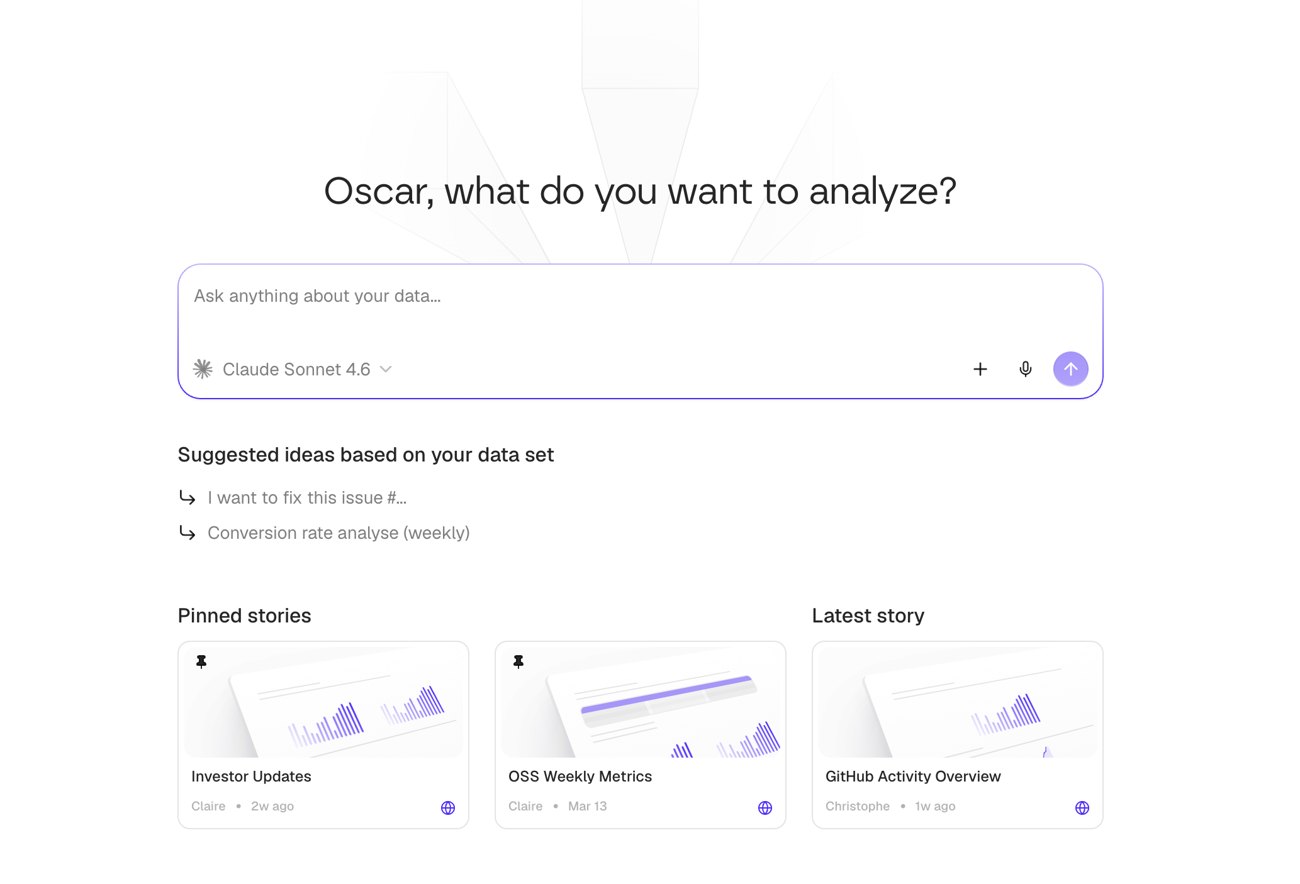
One input. Pick your model inline (Claude, GPT, Gemini, whatever you connected). Below it, suggested ideas generated from your actual data set, and a grid of your latest stories so you can pick up where the team left off. No empty state, no blank prompt box.
Queue your prompts
You rarely ask one question. You ask, then ask a follow-up, then ask for a chart.
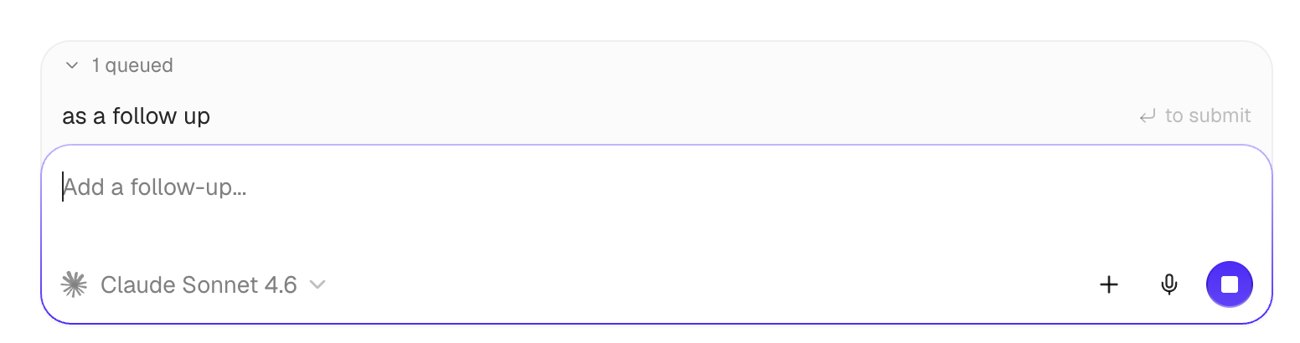
The new composer lets you queue prompts. Line up "as a follow up" and "do something next" while the agent is still working, drag to reorder, and it runs them in sequence. Voice input and the model picker sit right in the bar.
The agent shows its work
Trust comes from seeing how the answer was built. The agent now explains itself as it goes.
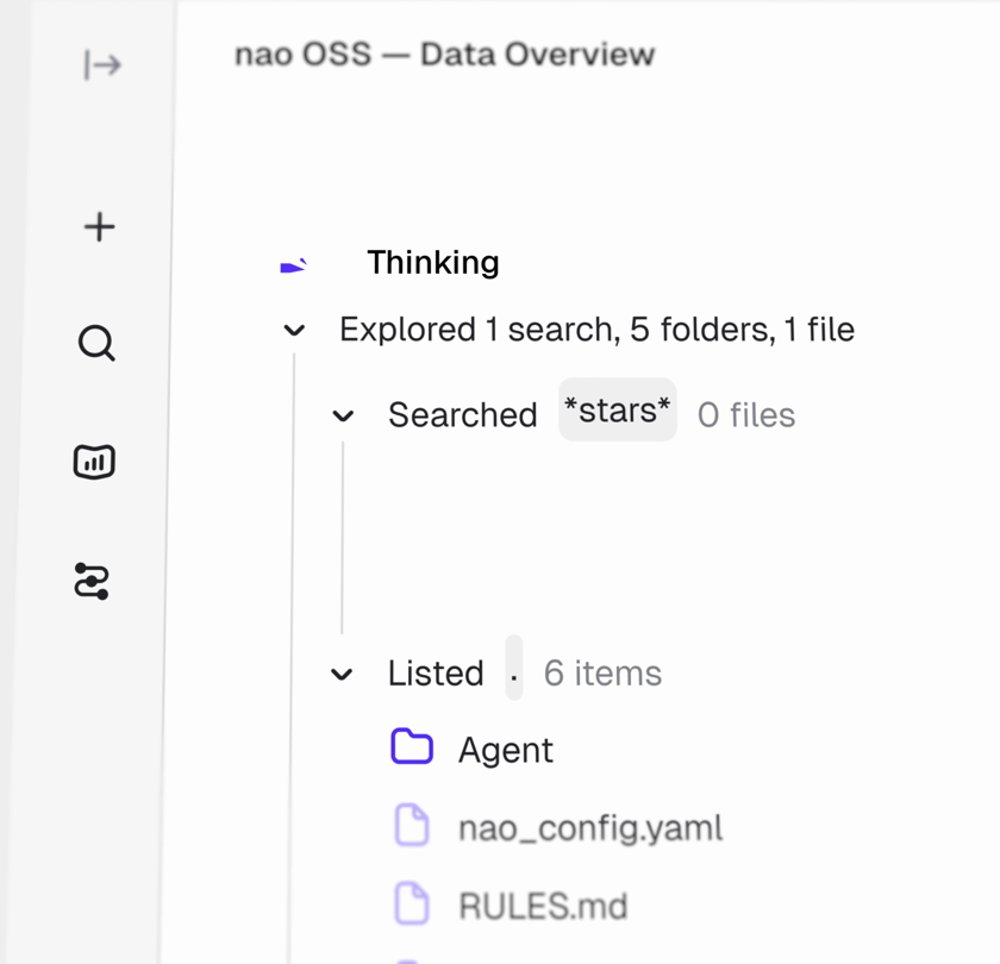
It navigates your context layer like a file system: it searches, lists folders, opens the files it needs, and shows you each step. You can watch it read nao_config.yaml, check RULES.md, and pull the right tables before it writes a line of SQL. When the answer lands, you already know why to trust it.
Charts and SQL, cleaned up
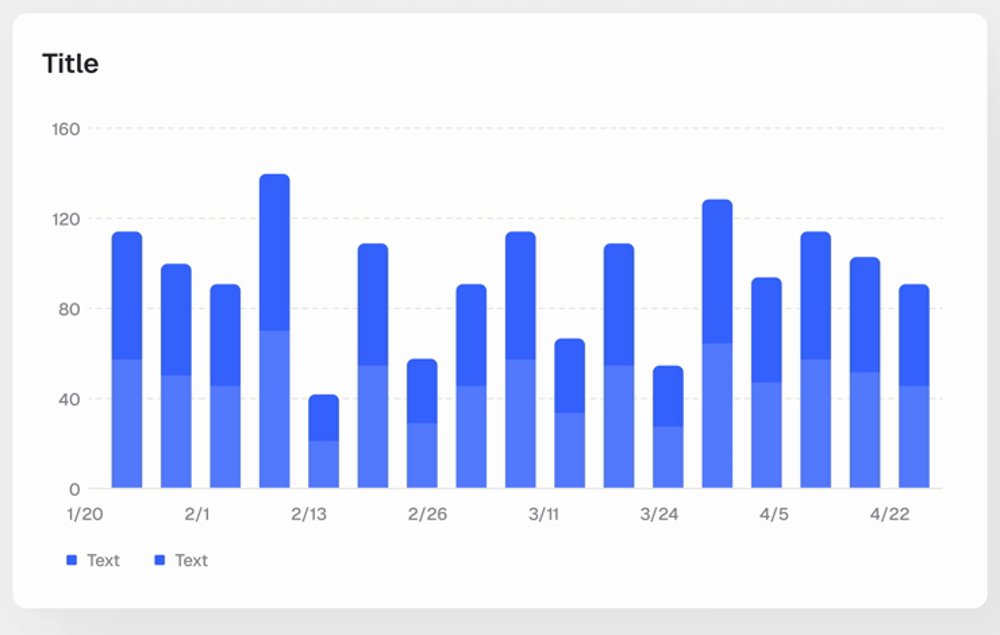
Every result renders in the new visual system: sharper charts, readable tables, and a SQL view when you want to check the query.
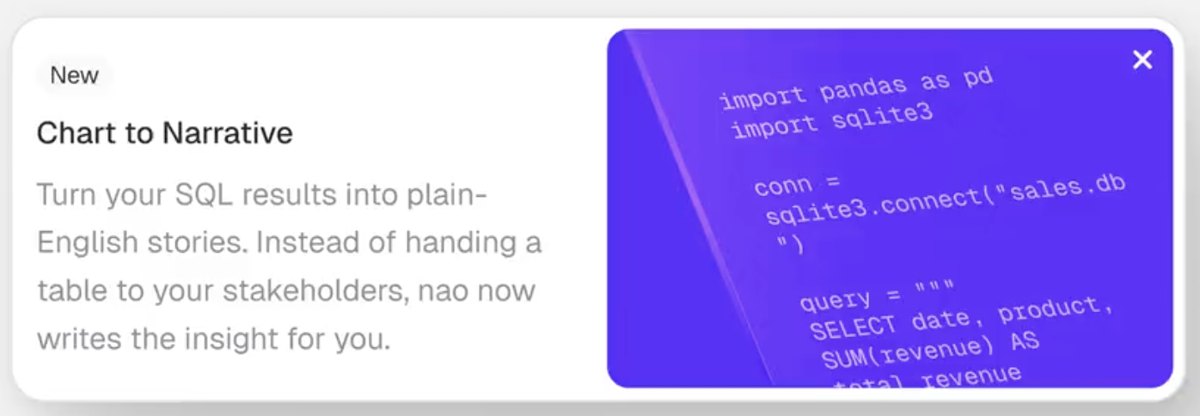
The agent can also turn a result into plain English. Instead of handing a table to a stakeholder, nao writes the insight for you.
This is the same rendering you get through the nao MCP app, so a chart looks identical whether you see it in nao, ChatGPT, or Cursor.
Stories, redesigned
Stories turn a chat into a shareable, versioned report. The workspace around them got the same treatment.
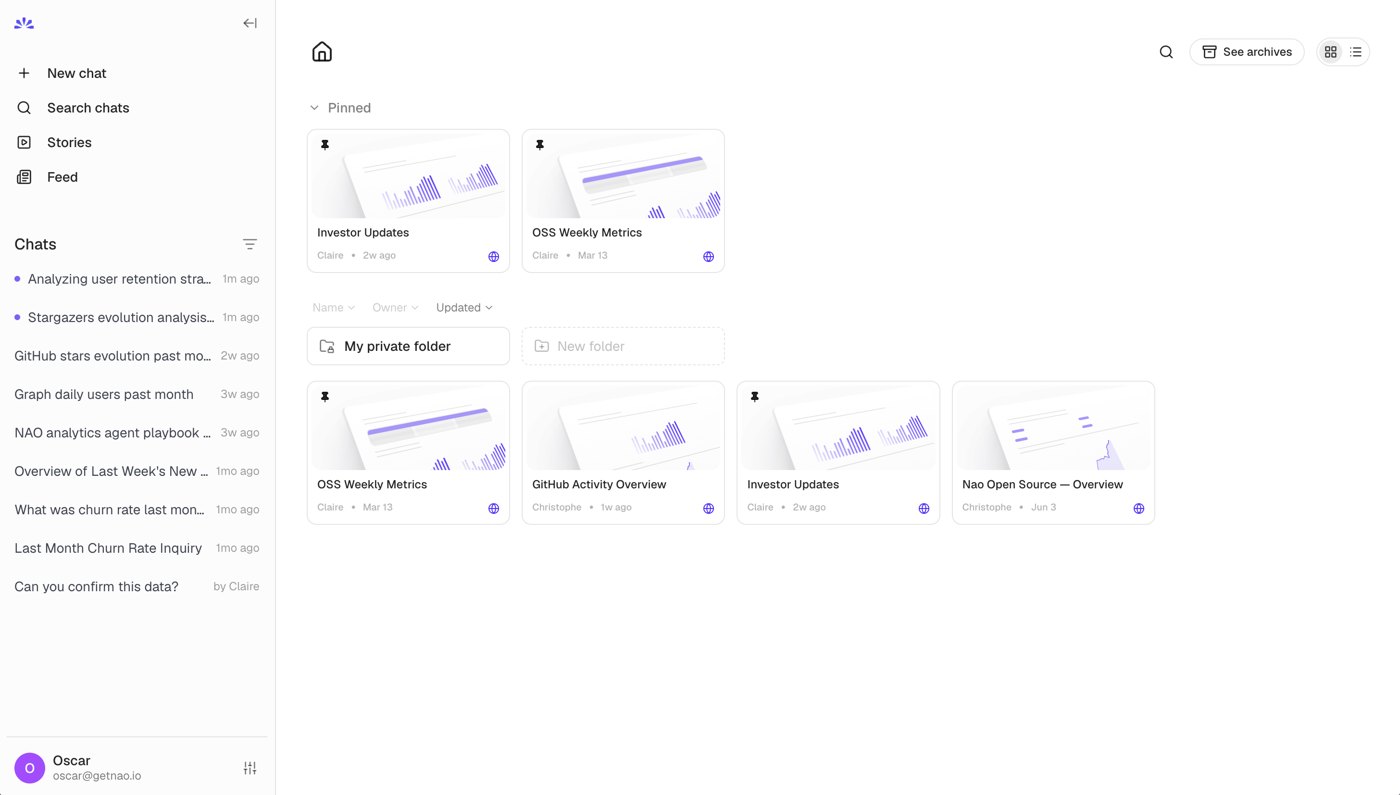
Pin the reports your team checks every week, organize them into folders, and set any story to go live so it refreshes on a schedule. This is what headless analytics looks like in practice: one place the whole company trusts, one context the data team controls.
One design system
Under all of it is a single design system: new color tokens, one type scale, consistent components.
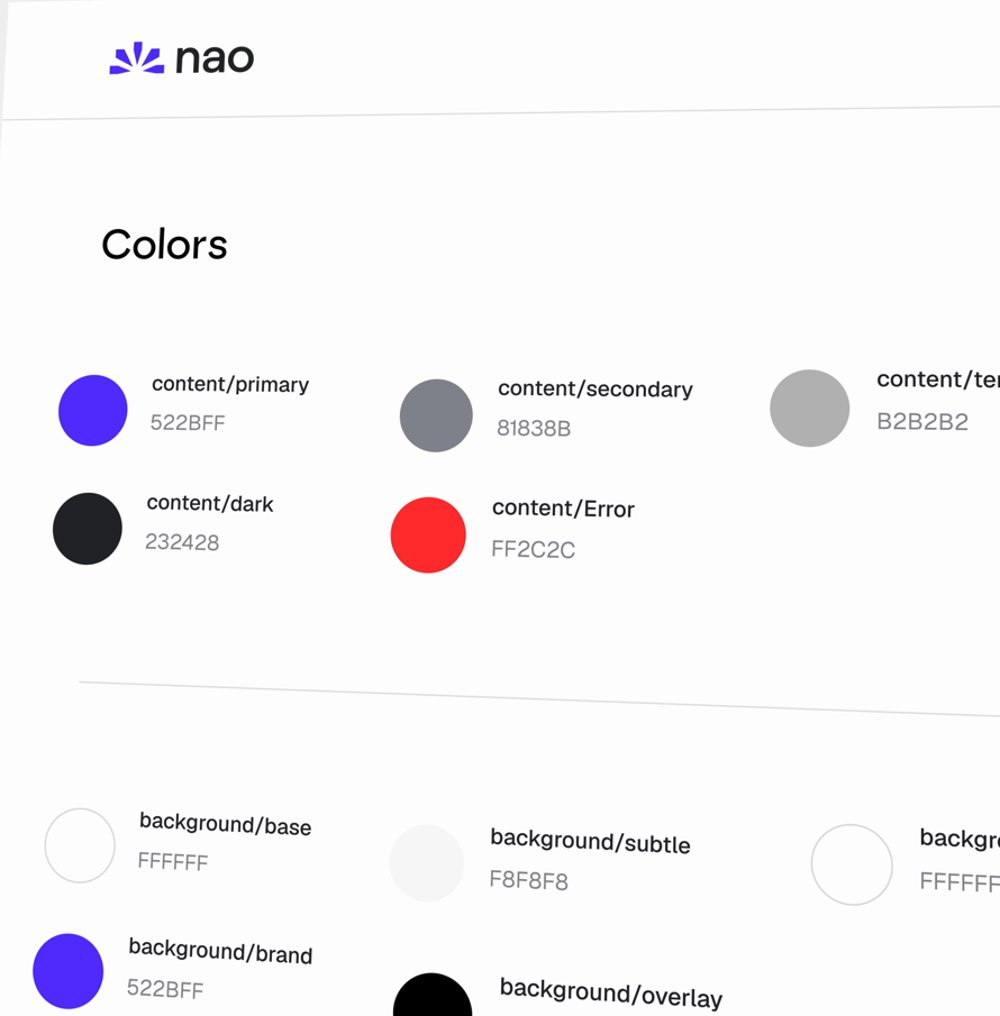
Same system powers the web app, the Slack and Teams bots, and every chart the MCP renders into another agent. Change it once, it changes everywhere.
Try it
The redesign is live in nao today.
- Update to the latest version: github.com/getnao/nao
- Run
nao chator open your deployed instance - Ask a question and watch the new flow
Full docs: docs.getnao.io
Star us on GitHub: github.com/getnao/nao
Related articles
insights
The Agentic Analytics Playbook is out
Learn how to choose your harness, build your context layer, plan your rollout, measure success, and get examples from 7 real-life companies.
product updates
We're launching the first Open Source Analytics Agent Builder
We're open sourcing nao — an analytics agent framework built on context engineering. Here's our vision for what comes after black-box BI.
product updates
Launching nao context recommendations
nao now audits its own usage and tells you exactly where your context is missing, wrong, or unclear - then opens the fix as a pull request in your context repo.

Claire
For nao team